Rebel GCanvas Studio
Mobile, tablet and desktop · Nothing to install
A professional painting and image-editing web app that works on mobile, tablet and desktop, with a Rust engine at its core: pressure-aware brushes, deep layers, vector and text. Your images stay on your computer: they’re edited in your browser and never uploaded.
- No install
- Rust engine
- PSD · PDF · SVG
- Phone & tablet
One studio. Every canvas.
Raster painting, photo editing, vector shapes and type, color-managed print output and local AI — in one fast, native Mac app with a dark, distraction-free workspace.
Pressure and tilt dynamics, textured grain, smudge, clone and heal, 12 built-in presets plus your own.
Groups, masks, clipping, pass-through, adjustment layers, multi-select and 13 blend modes, with linear-light blending.
Marquee, lasso, magic wand, free transform, rulers, guides and snapping, rotated crop with handles.
Shapes, pen paths with point editing, booleans, and real OpenType text typed right on the canvas.
Nothing to install. Your images stay on your computer and are never uploaded.
sRGB, Display P3 and Adobe RGB documents, 16-bit editing, and PDF with bleed and crop marks.
Dark. Fast. Focused.
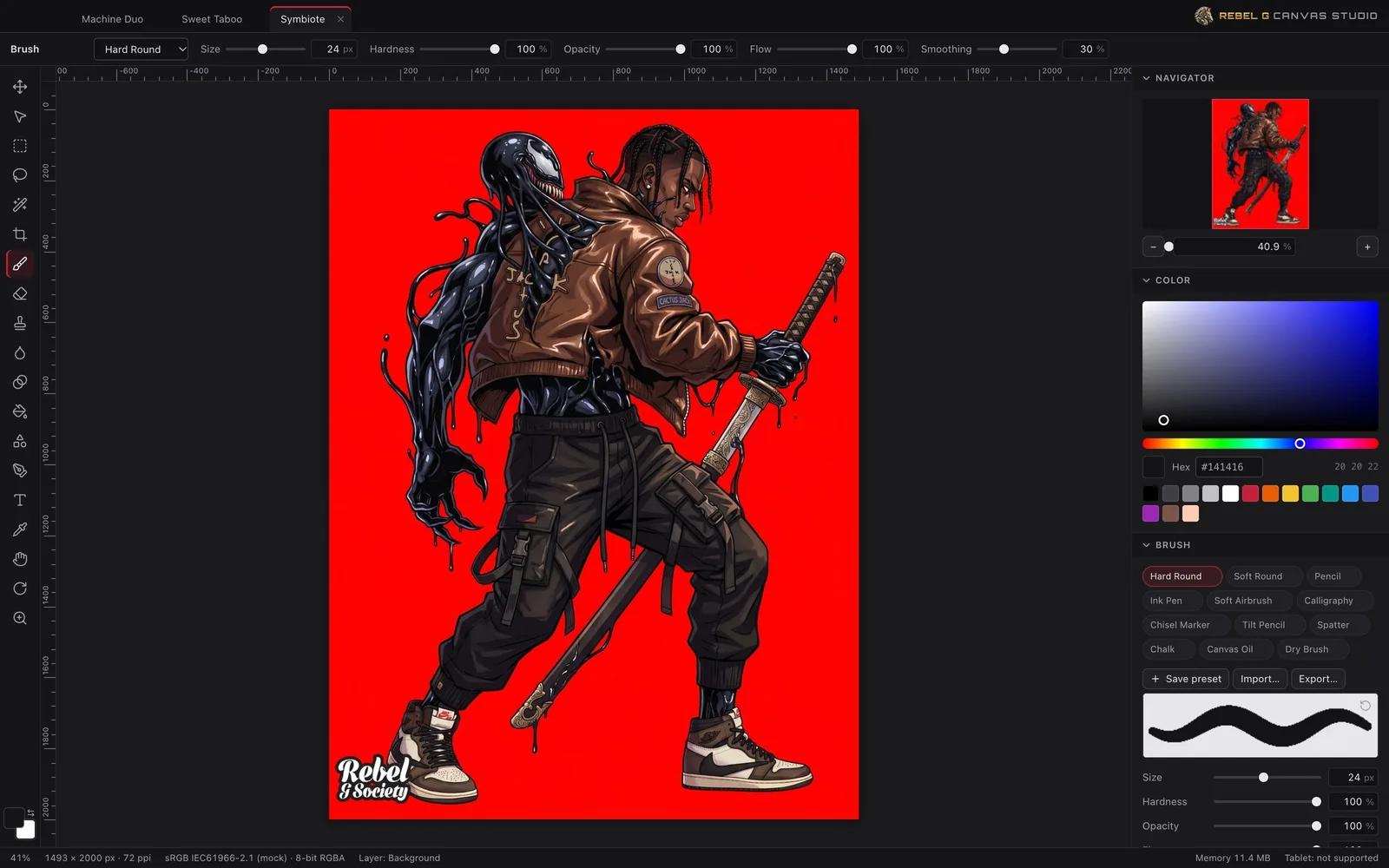
- Tiled, zoom-aware rendering: only visible tiles are drawn, at a resolution matched to the zoom, on a background thread
- Rotate the view freely (R), pan with Space or two fingers, pinch to zoom
- Docked, collapsible panels: Navigator, Color, Brush, Adjustments, Text, Shapes, Layers, History — Tab hides them all
- Command Search (⌘K) finds any command by name
- Autosave every 30 seconds, with recovery at your next visit in the same browser
- Undo everything
Command search
- FilterMotion Blur…
- FilterGaussian Blur…
- ToolsSmudge / Blur / Sharpen Tool
Brushes that feel it.
A dedicated brush engine shapes each dab in real time, using the pressure and tilt your pen and browser report.
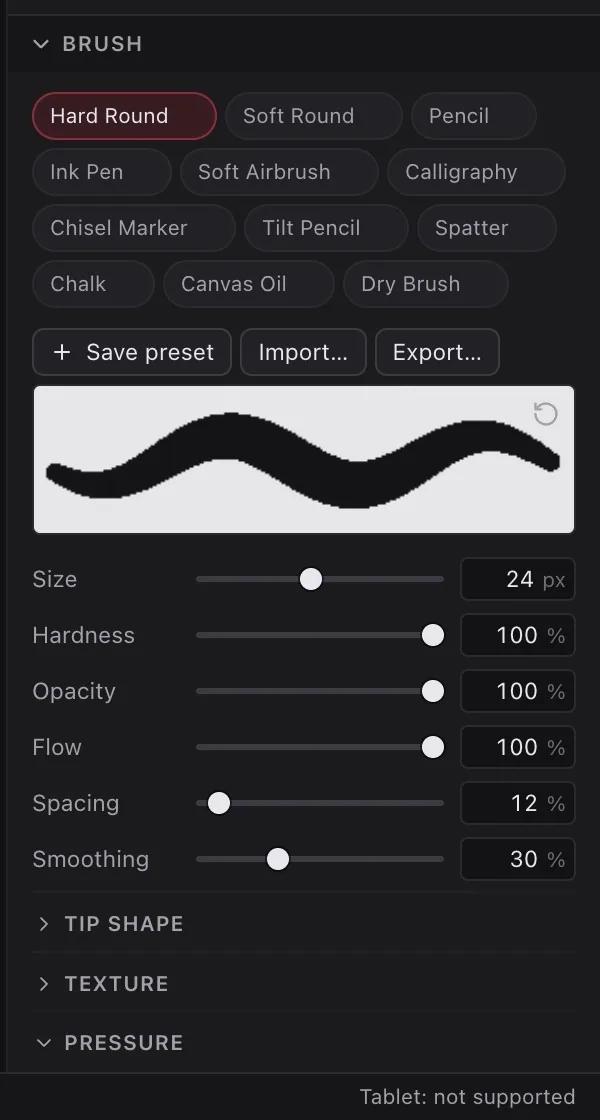
Dynamics
- Pressure response curves
- Velocity and tilt dynamics
- Elliptical tips: roundness and angle, from direction, tilt or rotation
- Jitter and scatter
- Stroke smoothing
Tools
- Brush & eraser with procedural paper, canvas and noise grain
- Smudge, blur, sharpen
- Clone stamp (aligned or not) and healing brush
- Gradient and paint bucket
12 presets
- Hard Round
- Soft Round
- Pencil
- Ink Pen
- Soft Airbrush
- Calligraphy
- Chisel Marker
- Tilt Pencil
- Spatter
- Chalk
- Canvas Oil
- Dry Brush
Save your own, mark favorites, and share them as .rcbrush files.
Stack it. Mask it. Blend it.
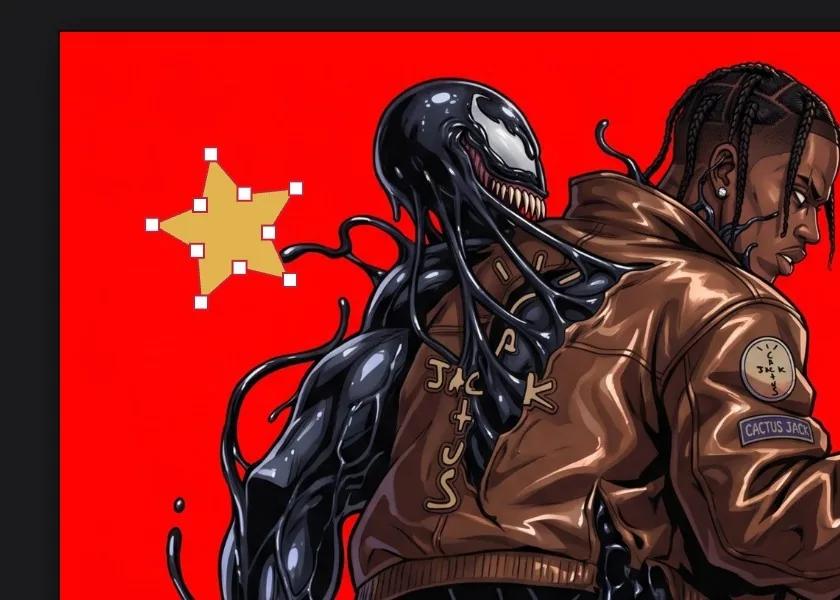 Multiply
- Pixel, shape, text, adjustment and group layers, arranged by drag and drop
- Layer masks and clipping masks; lock transparency or the whole layer
- Pass-through groups: adjustments and blend modes inside a group reach the layers below
- Linear-light blending per document, for physically correct color mixing
- Multi-select with ⌘-click and ⇧-click, then group, merge or delete in one step
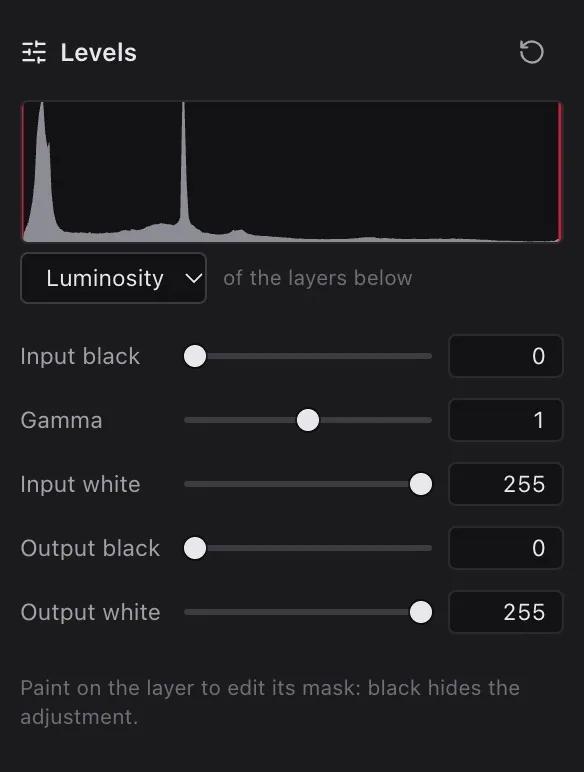
- Non-destructive adjustments: Levels with a live histogram, Curves, Hue/Saturation, Exposure
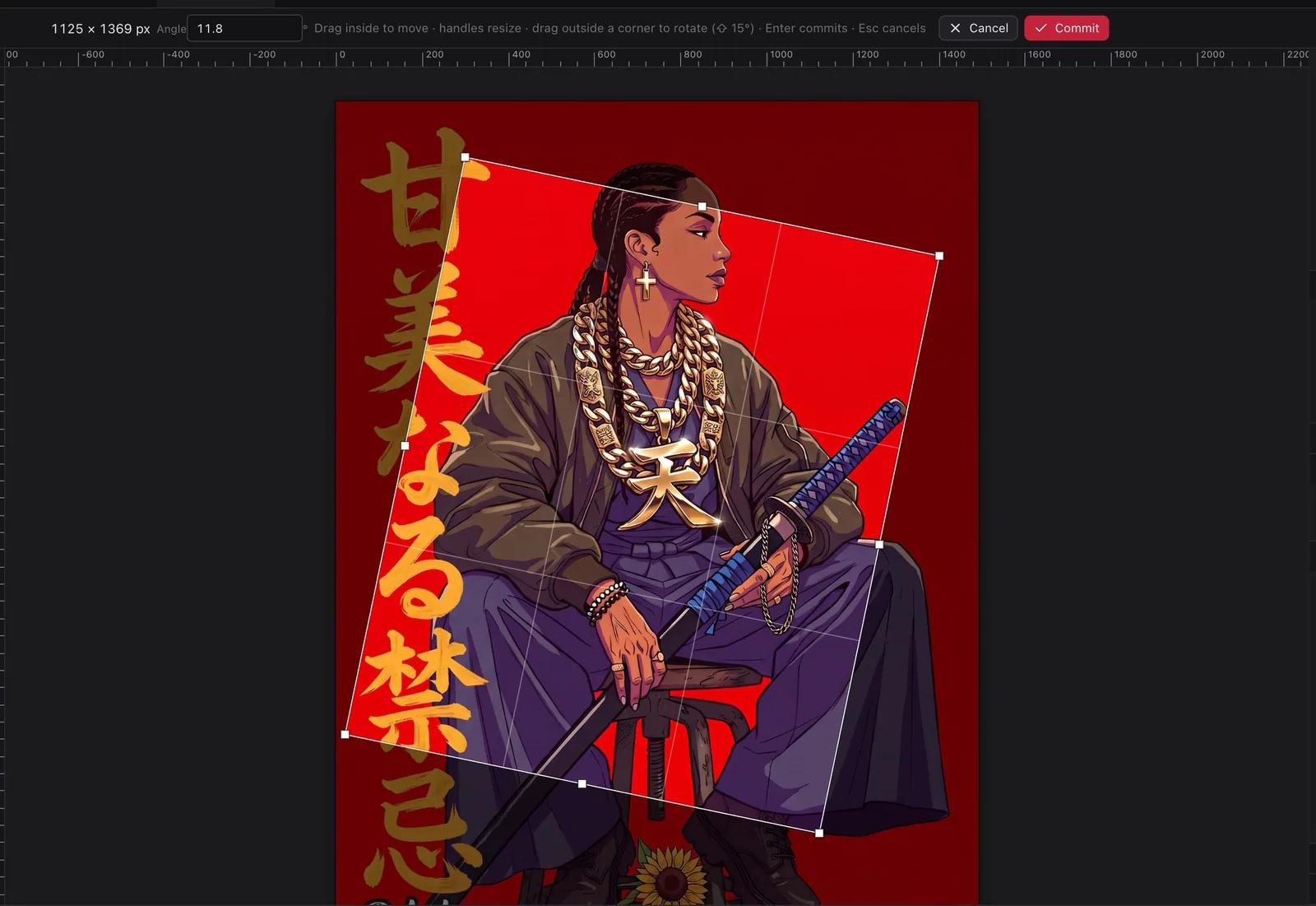
Precision, any angle.
Selections
- Rectangle, ellipse, freehand and polygonal lasso, magic wand
- Add, subtract, intersect; feather, expand, contract, invert
- Paint, fill, filter and adjust only inside the selection
Transform & canvas
- Free transform with live preview; move and nudge
- Crop handles and rotated crop (drag outside a corner, ⇧ for 15° steps)
- Canvas size, image size, rotate and flip canvas
- Rulers, guides and snapping
Sharp at every size.
Shapes & paths
- Rectangle, rounded rectangle, ellipse, polygon, star, and the Pen tool for Bézier paths
- Direct Selection: drag points and handles, double-click to add a point, ⌥-click for corner or smooth
- Boolean operations: unite, subtract, intersect, exclude
- Shapes stay vector through moves, transforms and resizing
Type
- Type directly on the canvas, or in the Text panel
- Text boxes that wrap lines to a width
- Every installed font, OpenType shaping, weight, italic, size, leading, tracking, alignment
- Convert to shapes, or rasterize
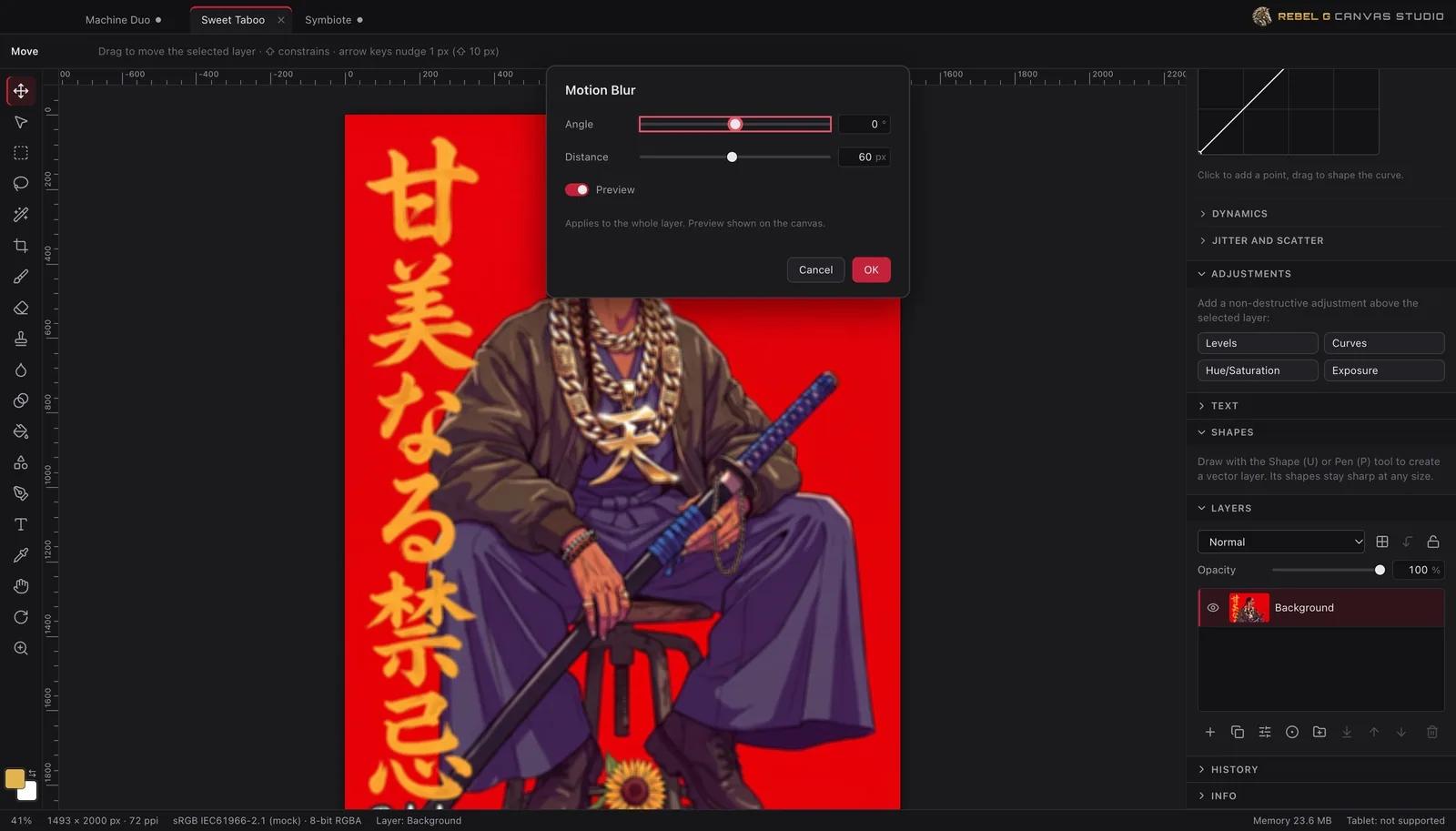
Effects with a live preview.

Filters
- Gaussian Blur
- Motion Blur
- Unsharp Mask
- High Pass
- Add Noise
- Median
- Runs in the background, with progress and Stop
- Preview toggle to compare with the original
- Works on pixels or masks, inside the selection
Gradients
- Linear, radial, reflected and diamond
- Up to 32 custom color stops with opacity
- Dithering against banding
Screen to page.
Color management
- Display P3 and Adobe RGB documents for richer color on wide-gamut displays
- Embedded profiles honored on import; exports carry the document’s profile
- Convert to / Assign Profile
PDF output
- One page at your document’s size and resolution
- Bleed and crop marks
- Shapes and text stay vector in PDF
Opens what you use.
| Format | Open | Save | What carries over |
|---|---|---|---|
| .rcanvas | Everything, fully editable (the native project) | ||
| Photoshop PSD | Layers, groups, masks, clipping, blend modes, pass-through | ||
| OpenRaster | Layers and groups for Krita, GIMP, MyPaint | ||
| — | Vector shapes and type, transparency | ||
| SVG | — | Vector shapes, text as outlines, images | |
| PNG · JPEG · WebP | Color profiles, transparency (PNG, WebP) | ||
| TIFF · BMP | Up to 16 bits in TIFF; resolution kept |
- Drop images on the canvas to place them as layers
- Drop them on the tab bar to open them as documents
- Files download through your browser
Built in Rust. Built to last.
Tiled raster engine, multi-core compositing and filters, mip-mapped display.
WebAssembly on a background thread, with a lean React interface.
ICC profiles with moxcms, a pure-Rust color engine.
tiny-skia rendering, rustybuzz OpenType shaping.
440+ automated tests; formats checked against Apple’s own tools.
Your work stays yours
- Images are edited in your browser and never uploaded to us
- Autosave keeps copies in this browser, so a closed tab doesn’t lose your work
- Open-source licenses are listed in Help
Works on computers, tablets and phones: pinch with two fingers to zoom, and draw with a finger, pen or mouse. Big documents are best on a computer, because phones and tablets have less memory. Copies autosaved in a browser stay in that browser, so save your projects to keep them. The web version doesn’t include AI tools, soft proofing, CMYK export or batch export.
Create without limits
Rebel G Canvas Studio · by Rebel G Society
© Rebel G Society. Artwork shown in the app © Rebel G Society. Interface images were captured from the app’s development build.